AI video Independent guide

Choose an AI video workflowText, image or references

Different AI video workflows solve different production tasks. Compare text to video, image to video, and reference guided pipelines by starting material, continuity needs, and service limits.

Explore video tools

Opens an external creative platform. Model availability varies.

Published capabilities and limits
  • Text to video concept exploration
  • Image to video opening frames
  • Reference guided scene continuity

Independent guide. NSFW support is not verified; content policies apply.

STOCK FOOTAGE · NOT MODEL OUTPUT
People shown do not endorse this site or the linked platform.

Neon portrait
Fashion in motion
After dark
A sculptural glass object — original concept imagery, not model output
Beyond the ordinary

INDEPENDENT GUIDE · REVIEWED

Choose an AI video workflow

For a short product clip, an approved product image plus a single camera move is a useful starting brief. For dialogue or a multi-shot story, select a workflow that explicitly supports audio and scene continuity.

Text to video
Start from a scene description when you do not need to preserve an existing subject or composition.
Image to video
Use a still frame when the subject and composition are already defined. Describe the motion you want next.
Reference to video
Choose a model with reference support when identity, movement or style must be guided by existing material.
Selection checklist
Compare accepted inputs, duration, resolution, audio, editing controls, cost and content policies for the exact model version.

About this domain: asnsfw.com is an independent guide. NSFW in a domain name does not mean a model permits adult content or unrestricted generation. NSFW support is not verified here. Check the official model and service policies before use.

Workflow selection guidance, not a model specification or an availability guarantee.

Editorial responsibility: the independent publisher of asnsfw.com. We compare specifications with the official sources linked here, separate launch statements from planned features, and keep practical examples distinct from model tests. Access on the linked platform has not been verified.

Choosing text, image, or reference AI video workflows

Selecting the right creation pipeline depends on your starting assets and how much visual consistency the project requires.

Use text to video for open concept exploration

When you are testing mood, environment lighting, or camera choreography without a fixed product photo or character sheet, text to video offers a direct starting point. Write a focused brief covering the primary subject, a physical action, and the setting atmosphere. Because text alone does not lock visual identity across separate generations, reserve pure text workflows for standalone shots or early storyboarding.


Switch to image or reference inputs for consistency

If your brief requires a specific product silhouette, brand setting, or recurring character, start from an approved still frame or choose a model that accepts subject and motion references. Image to video uses a still frame to guide the starting composition, while reference to video helps carry recognizable visual traits into new scenes, lighting setups, and camera angles when supported by the selected model version and creative tool.

Compare audio, editing, and policy boundaries early

Before preparing a detailed production brief, check whether your project requires synchronized audio, multi shot continuity, or targeted post generation edits. Compare accepted input types, output resolution, clip duration, pricing, and content policies across available services. Neither this guide nor a domain name containing NSFW guarantees model availability or unrestricted content generation on any external creative platform you choose to visit.

Input checklist and worked brief

  • Write the required deliverable before choosing a workflow.
  • Use text for an open concept, a still for a defined opening, or references for specific visual roles.
  • Check duration, audio, editing, price and policy requirements.

Example brief

For a new abstract light concept, start with text. For a specific bottle already approved by a client, start with its image. For a sequence needing both that bottle and a known camera move, evaluate a reference capable model.

What to check in the result

Check whether the chosen route accepts the actual inputs and exposes the required controls. Compare one short result with the brief before committing to the full sequence.

Practical planning suggestions, not a guarantee of model output. Verify supported controls in your chosen service.

EXPLORE AI VIDEO

Your ideas features and controls

Different AI video tools offer different inputs, models, and controls. Start with the outcome you need, then choose a currently available workflow that fits the brief.

Features depend on the selected model version and provider.

Text to video concept exploration

Text to video concept exploration

Start from a written scene description when you are exploring early concepts and do not need to preserve an existing visual asset.

Explore video tools

Model availability varies by platform.

Text to video — original concept imagery, not model outputConcept artwork · Not model output

Image to video opening frames

Image to video opening frames

Begin with a still image when you want to guide the starting subject design, framing and lighting. Check how the chosen model uses that image and review the generated opening frame.

Explore video tools

Model availability varies by platform.

Image to video — original concept imagery, not model outputConcept artwork · Not model output

Reference guided scene continuity

Reference guided scene continuity

Select a reference capable workflow when character identity, motion direction, or visual style must draw from existing material across clips.

Explore video tools

Model availability varies by platform.

Reference-led creation — original concept imagery, not model outputConcept artwork · Not model output

Match the workflow to your starting material.Check the controls before you commit.

Visual direction, not a performance demo

Start with a scene in mind

Brand concept exploration · Short social narratives · Creative storyboards. Use these concepts to think about composition and atmosphere, not to judge a model’s output.

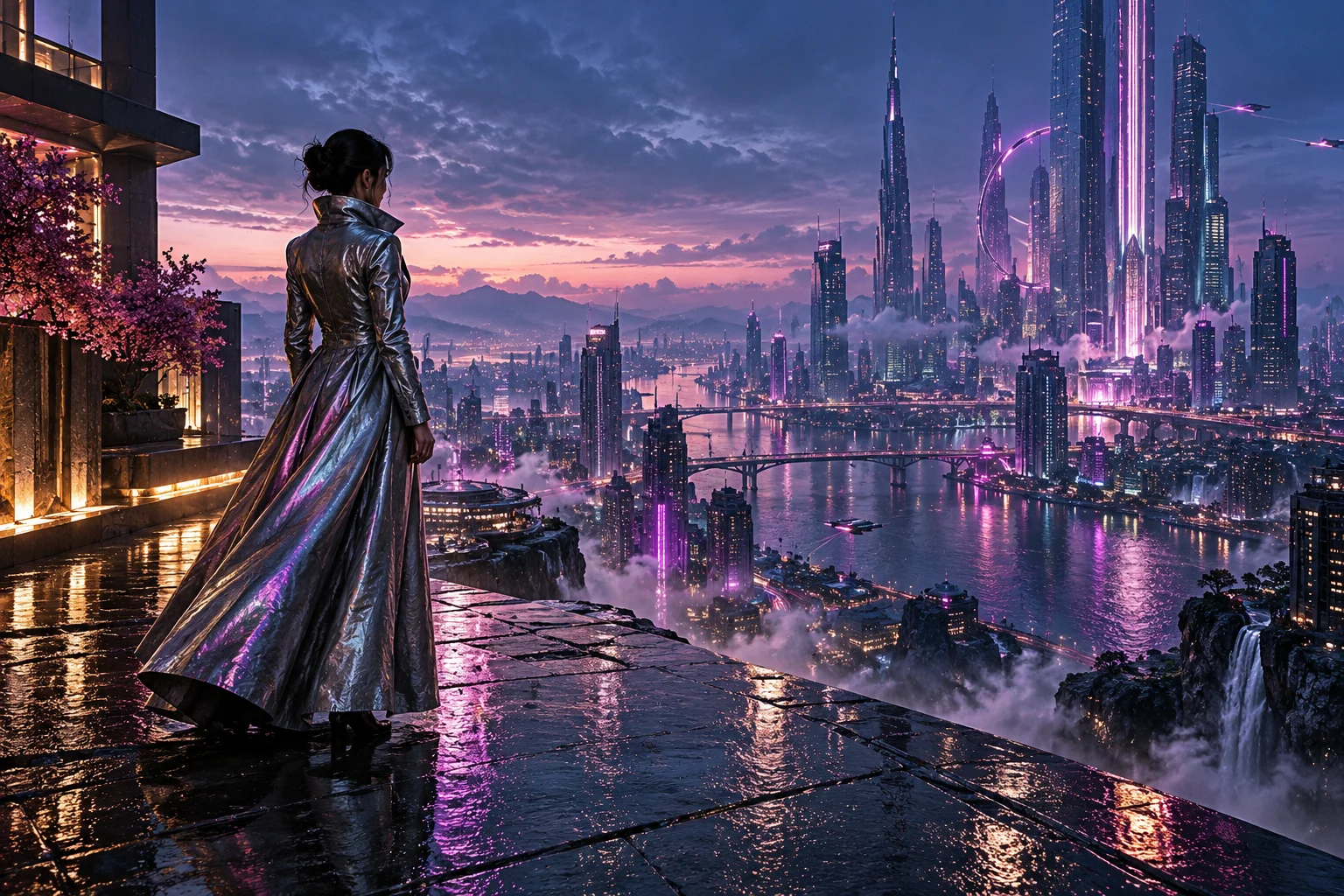
A cinematic cityscape — original concept imagery, not model output

Original concept imagery, not model output.

Before you create

From a clear brief
to an informed choice

01

Check the available model

Confirm the version, supported inputs, price and content policies in your chosen platform. This page has no generator.

02

Prepare your scene

Choose references you have permission to use. Describe the subject, action, camera and key moments.

03

Create, then review

Use the controls available in your chosen service. Check continuity, sound and visual details before publishing.

A FEW THINGS TO KNOW

Your ideas availability and content policies

When should I choose reference to video instead of standard image to video?

Choose image to video when a still should guide the opening composition; check whether the chosen model treats it as an exact starting frame. Choose reference to video when you want to keep a character, object, or visual style recognizable while placing that subject into a newly composed scene or camera angle.

Is AS an AI video model or an official software provider?

No. AS is not an AI model or software developer. This website is an independent workflow selection guide that explains general AI video approaches, while links lead to an external creative platform where tool availability, pricing, and technical specifications vary.

Does the NSFW label in asnsfw.com mean unrestricted video generation is supported?

No. A domain name containing NSFW does not indicate support for adult or unrestricted content. Every model developer and creative service enforces its own safety filters and usage rules, which you must review before submitting any prompts or reference files.

Which AI video tools can I use?

Check the current model catalogue and available controls on the linked creative platform. This guide describes published model information and does not confirm that a particular model, version, or feature is available there.

Can I generate a video on this page?

This is an introduction to AI video capabilities. To explore available creative tools, select a creation link. There is no image or video generation tool on this page.

Does asnsfw.com mean AI video tools support NSFW content?

No. A domain containing NSFW does not establish permission for adult content or unrestricted generation. This guide does not verify NSFW support. Review the official model and chosen service content policies; do not assume that a reference image or prompt will be accepted.

What can AI video tools do?

Different AI video tools offer different inputs, models, and controls. Start with the outcome you need, then choose a currently available workflow that fits the brief.

Are these visuals model outputs?

No. The hero videos are live-action stock footage from Mixkit; the remaining images are original concept artwork. Neither demonstrates the performance of any model or creative platform. The people shown do not endorse this website or the linked creative platform.

Is AS the name of an AI model?

No. This website is a general AI video guide. AS is not presented as a model or model developer. Different tools offer different capabilities, versions, and controls.

What should I check before creating?

Confirm the model version, input requirements, pricing, availability, and content policies in the service you choose. Only use reference material you have permission to use, and review the result before publishing.

THERE’S A STORY ONLY YOU CAN TELL

Bring your next
big idea to life.

Explore video tools

Opens an external creative platform. Model availability varies.